Developing light, in a browser.
Aperture Lab looks like a native darkroom app but it is one HTML file, one stylesheet and one script — no framework, no build step. Two ideas carry the whole thing.
The idea
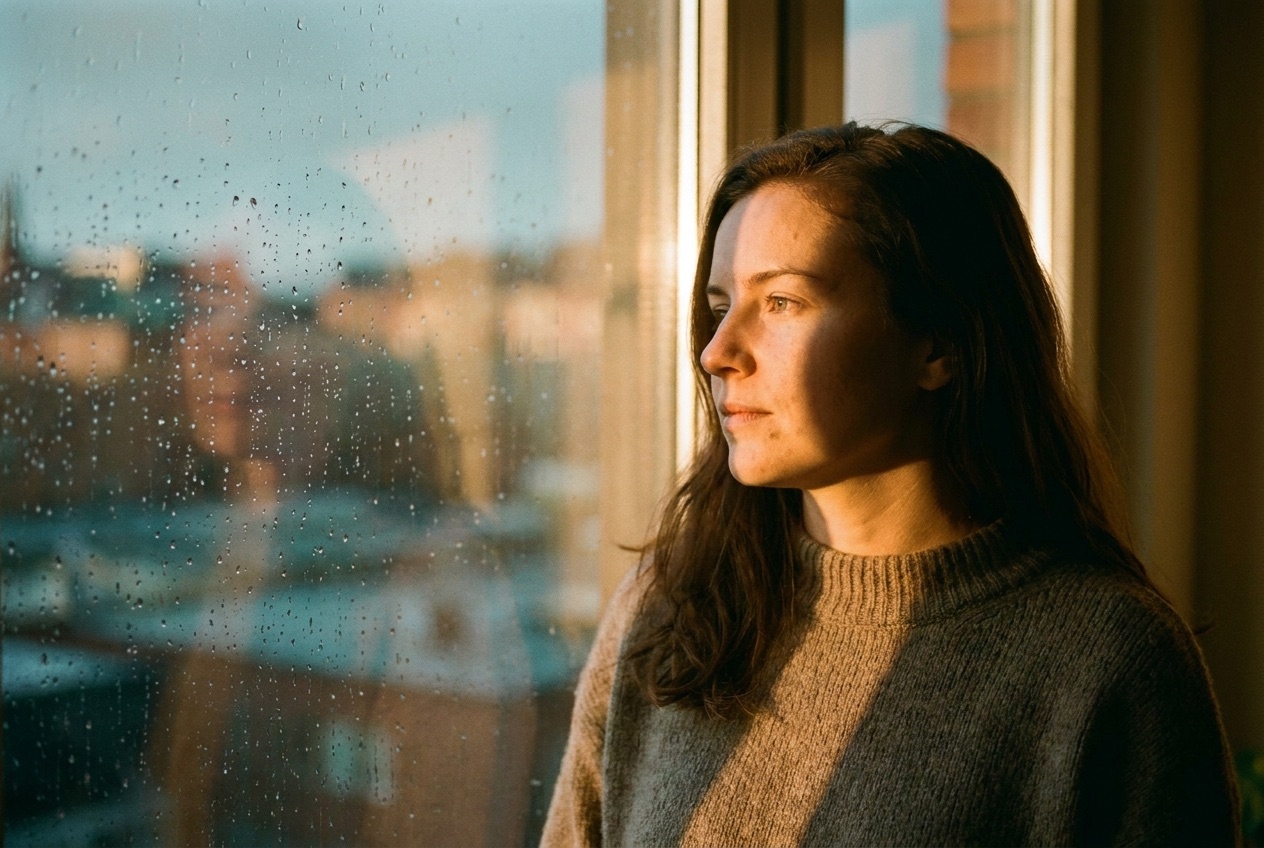
A RAW editor sells one feeling: that a flat, lifeless capture already contains a finished photograph, and the software just finds it. So the site had to let you feel that in the first five seconds — before any copy — by dragging a seam across a single frame and watching it come alive. Everything else (the develop rack, the looks, the specs) is proof that the feeling is real and controllable.
The stack
- Plain HTML/CSS/JS. Chosen because the two signature effects are cheap in the browser and a framework would only add weight to a page that is fundamentally one image and a few sliders.
- GSAP for one thing only: easing the "Auto-develop" slider animation. Everything else
is native
requestAnimationFrameand CSS transitions. - Fraunces / Inter Tight / JetBrains Mono — an optical serif for the darkroom voice, a tight grotesque for UI, a mono for EXIF-style technical labels.
Signature technique #1 — the RAW/developed reveal
The trick most people miss: RAW and "developed" are the same frame. In a real editor you are not swapping two photos — you are grading one negative. So the site loads the graded image once, stacks a second copy on top, and flattens that copy with a CSS filter to fake an un-graded RAW:
.compare-raw .compare-img{
  filter: saturate(.55) contrast(.82) brightness(1.08)
          sepia(.06) hue-rotate(-8deg);   /* lifted, cool, flat */
}
The top (RAW) layer is then clipped to the drag position with a single animated property — no canvas, no reflow:
raw.style.clipPath = `inset(0 ${100 - pos}% 0 0)`;Pointer, touch and keyboard all drive the same set(pos) function, the handle is a real
role="slider" with arrow-key support, and a gentle sine drift animates the seam until the
first interaction — unless the visitor prefers reduced motion, in which case it sits still at 50%.
Signature technique #2 — the live develop rack
The develop panel is not a video or a mockup. Each slider writes into a state object, and one function composes a CSS filter string applied to the sample frame on every input:
brightness(1 + exposure/220 + shadows/520)
contrast(1 + contrast/200 − shadows/720)
saturate(1 + saturation/150)
sepia(max(0,warmth)/240) hue-rotate(−warmth/11 deg)
"Auto-develop" tweens the same state through GSAP so the sliders visibly move to their new values, and each "Look" is just a saved state object. Press-and-hold on "original" swaps the filter back to the flat RAW recipe — the same one the hero uses.
Details that matter
- Grain is real. A 180×120 canvas of random luminance noise, re-rendered every ~80ms and
scaled up with
image-rendering:pixelated. The Grain slider drives its opacity. Reduced motion → one static frame. - Progressive enhancement. The
.jsclass gates every reveal; with scripts off the page is fully readable and the photo still shows. - Honest histogram. The little RGB curve is illustrative — it shifts with exposure and contrast so the panel feels instrumented, but it is drawn from the settings, not sampled from pixels.
Ship it on GitHub Pages
Because every path is relative and there is no build, deploying is three commands:
gh repo create aperture-lab --public --source . --push
gh api --method POST /repos/USER/aperture-lab/pages \
  -f 'source[branch]=main' -f 'source[path]=/'
# live at https://USER.github.io/aperture-lab/ in ~1 min
A .nojekyll file keeps Pages from touching the folder structure. That's the whole deploy.
Aperture Lab is a design-showcase concept — the develop engine is a browser-side approximation, not a shipping RAW pipeline. See the repository README for the full demo-vs-real map.
← Back to Aperture Lab